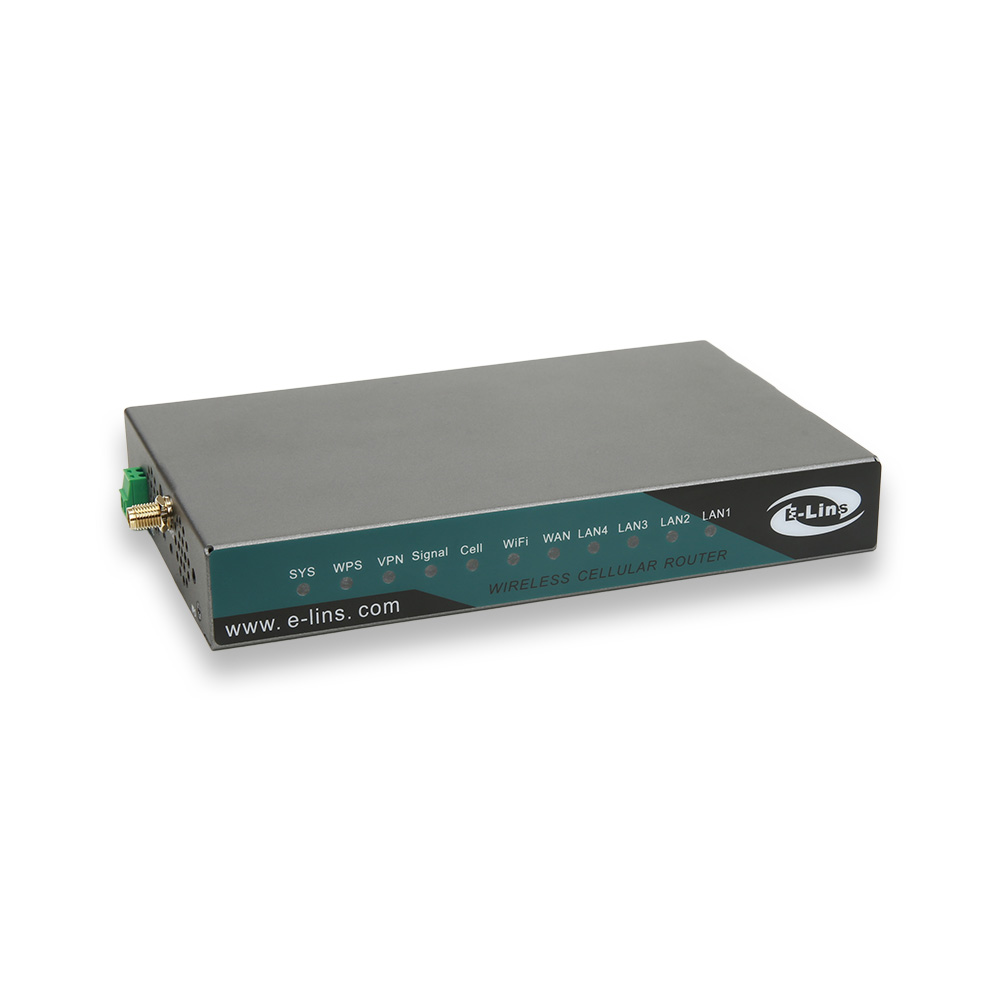
From the outside, an industrial 4G router looks simple: a metal box with a few ports, an antenna connector, and a power terminal. Inside, it is a set of subsystems, each designed to solve a specific field problem. Understanding what each part does, and what separates an industrial design from a consumer one, makes it much easier to read datasheets and compare manufacturers.
This article takes an industrial 4G router apart, subsystem by subsystem. For each one, it explains the job it does, what can go wrong, and what an industrial 4G router manufacturer should build in, with E-Lins specifications as the reference.
1. The Power Input
Its job
Turn whatever supply the site provides, from a 12V battery to a 24V cabinet rail or a vehicle electrical system, into stable internal power.
What can go wrong
Voltage dips, surges, reverse connection by an installer, and transients from motors or vehicle engines. A router that resets every time a pump starts is not usable.
What to build in
A wide input range, protection against transients, reverse polarity, over-current and over-voltage, and ideally a second input for backup. Many E-Lins routers, such as the H900t, accept 5 to 40V DC as standard, with a 5 to 60V DC option, and have dual power inputs with automatic failover. For vehicles, the H900t is compliant with ISO 7637-2, the standard for electrical transients on road vehicle supply lines, and includes ignition sensing.
2. The Cellular Module
Its job
Connect to the LTE network. The module determines the LTE category, the supported bands, and much of the power consumption.
What can go wrong
Missing bands for the local operator, a category too low for the traffic, or a module that hangs and never re-establishes its data session.
What to build in
A module variant matched to the target region, a category matched to the application, and software that monitors the connection. E-Lins 4G options range from compact units such as the H685t, with LTE FDD and TDD support and downlink rates of up to 100, 150 or 300 Mbps depending on the module fitted, to the Cat 6 H700 with dual LTE.
3. The SIM Arrangement
Its job
Give the router its network identity.
What can go wrong
A single operator outage takes the site offline; a card works loose under vibration.
What to build in
Dual SIM for operator redundancy, dual modules where switchover time matters, and eSIM where remote profile changes are valuable. The H900t provides dual SIM primary and backup operation; the H700 and H750tt combine dual SIM with dual LTE; and E-Lins lists eSIM among the features of its 4G router range.
4. The Processor, Memory and Watchdog
Its job
Run the router's operating system, routing, VPN, and management functions.
What can go wrong
Software lock-ups after weeks of operation, memory exhaustion, or a process that stops responding. In an unattended site, any of these can mean days offline.
What to build in
A hardware watchdog timer that restarts the system if software stops responding, and link self-healing that detects and repairs a dead connection. E-Lins builds both into its routers.
5. The Firmware
Its job
Everything the user experiences: configuration, VPN, firewall, protocols, management and recovery behaviour.
What can go wrong
Bugs that cannot be fixed because the manufacturer depends on a third-party software stack, or updates that stop after a year or two.
What to build in
Firmware the manufacturer controls and maintains. E-Lins develops its system software entirely in-house rather than relying on a generic public Linux distribution, and provides lifetime free firmware upgrades. Supported features include WireGuard, IPsec and OpenVPN, with L2TP, GRE and DMVPN listed across its routers, and Modbus, TCP/IP and industrial serial transparent transmission.
6. The Wired Interfaces
Its job
Connect the field equipment: Ethernet devices, serial controllers and meters, and simple signals.
What can go wrong
Static discharge damages ports during installation; ground potential differences between connected equipment cause faults.
What to build in
ESD protection and isolation on exposed ports, and the right mix of interfaces. E-Lins specifies 15KV ESD protection and 1.5KV electromagnetic isolation. Interface options include up to five Ethernet ports on the H820t, RS232 and RS485 serial ports, digital I/O, such as the four DI/DO on the H900t, and PoE In or Out on selected models.
7. The Radio Extras: Wi-Fi and GPS
Their job
Wi-Fi provides local access or a backup WAN link; GPS provides location and timing.
What to build in
Options rather than defaults, so units only carry what the project needs. Wi-Fi is available on many E-Lins 4G models, and the H900t supports GPS/BeiDou, with GPS optional on the H685t.
8. The Enclosure and Mounting
Its job
Protect the electronics and fix the router securely in its location.
What can go wrong
Vibration loosens connectors; water enters through gaps; heat builds up.
What to build in
Metal cases designed for vibration and shock for cabinet and vehicle units, sealed enclosures for outdoor units, and proper mounting options. E-Lins cabinet routers use alloy metal cases with IP30 protection and desktop, wall-mount, and DIN-rail mounting. The H820QOt has an IP68 enclosure for direct pole mounting, with built-in 14dBi antennas.
9. The Management Interface
Its job
Let operators monitor, configure, and update routers without visiting them.
What to build in
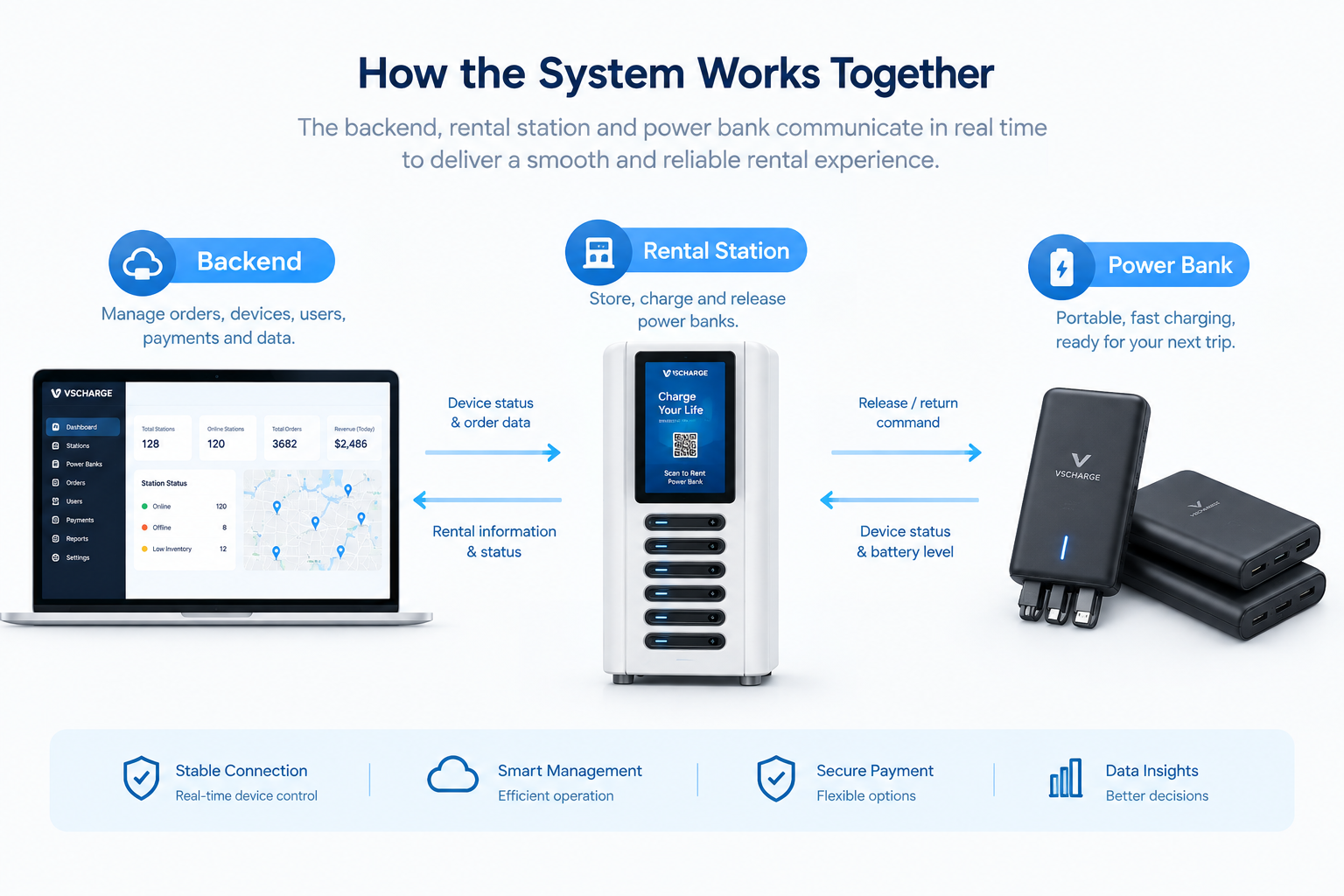
Standard protocols plus a manufacturer platform. E-Lins supports TR-069, SNMP, and SSH, and all its industrial routers work with the E-Lins NMS cloud platform, which provides device status monitoring, parameter management, remote firmware upgrades, and statistics.
Putting the Parts Together
The value of an industrial router comes from how these parts work together over years. Industrial-grade components rated from -35°C to +75°C, protected power, self-recovering firmware, and remote management are what allow E-Lins to report an equipment online rate of 99.5% or higher.
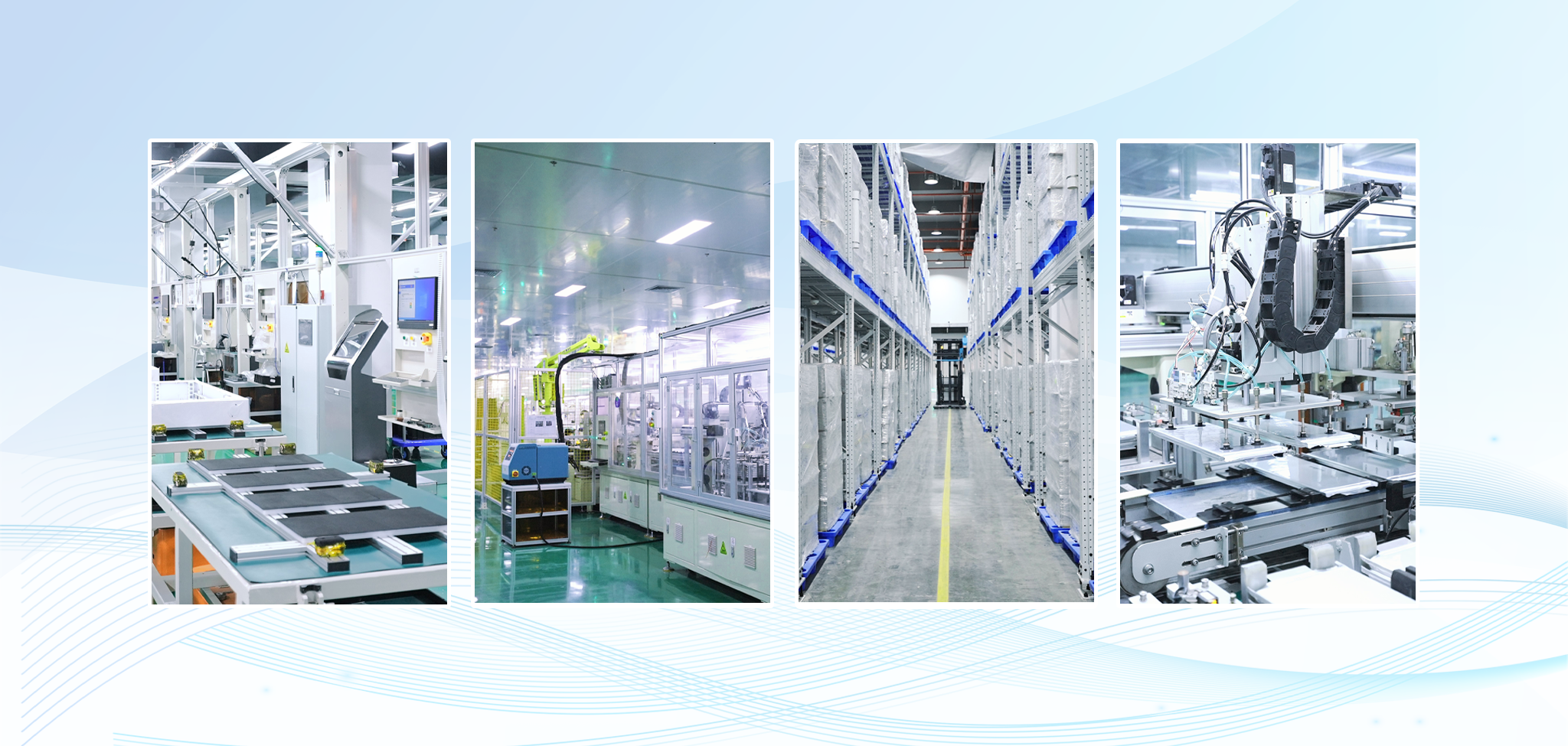
Shenzhen E-Lins Technology Co., Ltd. has designed industrial cellular equipment since its industrial roots in 1999 and builds it in its own SMT factory and assembly lines in Shenzhen. When comparing industrial 4G router manufacturers, use the nine subsystems above as a checklist: ask what each manufacturer builds into each part, and why.
https://e-lins.com/
Shenzhen E-Lins Technology Co., Ltd.